Bookkeeping for people who are done with QuickBooks.
Track your time, send invoices, record payments and expenses, and see what you made, for one company or several. That is the whole app. No upsells, no bank feeds, no accountant required.
Try it freeAlready have an account? Log in
Why people leave QuickBooks
- It does too much. Payroll, inventory, projects. You use three screens and pay for all of them.
- It never stops selling. Every page has an upgrade, an add-on or a partner offer between you and your work.
- The one thing you need is buried. Sending an invoice should not mean hunting through menus.
- You need an accountant to read your own books. Journal entries and a chart of accounts are a lot of machinery for a one-person business.
What NumoBooks does
Five things, done plainly.
- Invoices Line items, sales tax if you charge it, and a PDF sent to the client.
- Time tracking Log your hours by client and put them on an invoice when you are ready to bill.
- Payments Record a payment by hand when it arrives. The client gets a receipt.
- Expenses Vendor, amount, category, and a photo of the receipt if you have one.
- Profit and loss Cash basis. Money in, money out, what is left. Nothing to reconcile.
More than one company, one login
QuickBooks bills every company as its own subscription. NumoBooks keeps each company's books separate under one login, and you switch between them from the menu.
- Separate books Each company has its own clients, invoices, invoice numbers, expenses and sales tax rate. Nothing crosses over.
- One combined view When you want the whole picture, a combined report adds up the companies you run.
Time tracking for consultants and contractors
If you bill by the hour, your hours and your invoices belong in the same place. Write down the work as you do it, and bill it whenever you bill.
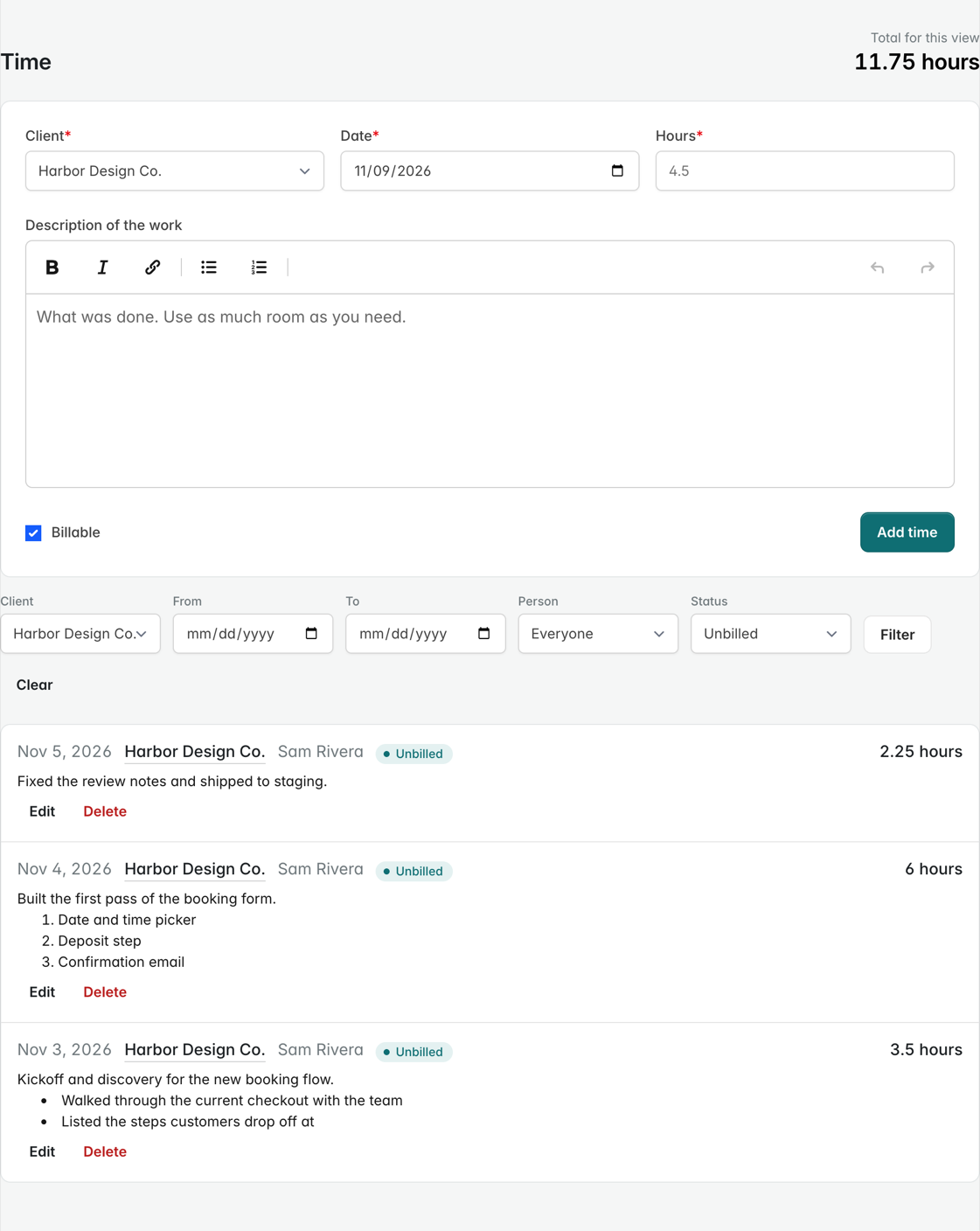
Log each day on one page
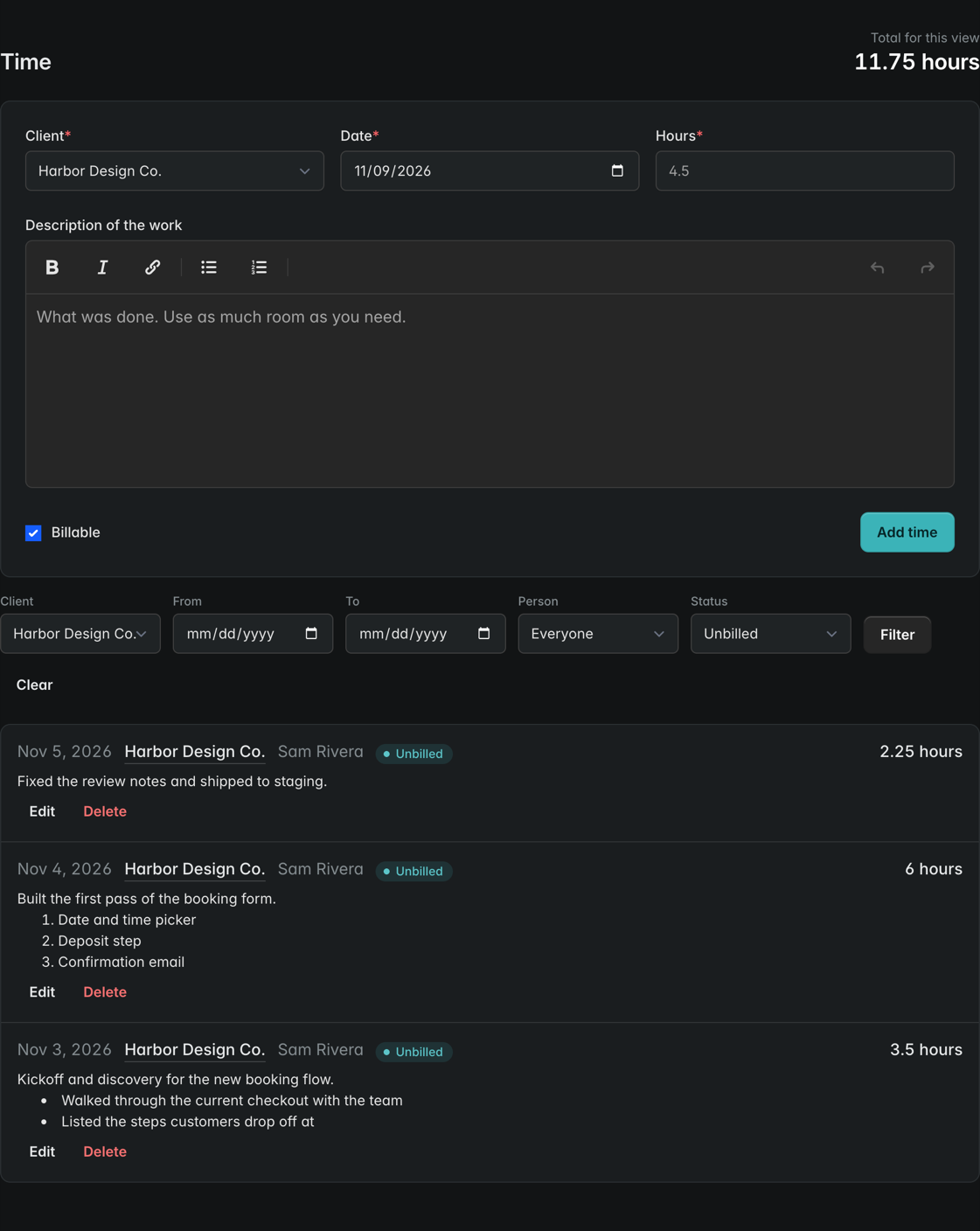
Pick the client, enter the hours and describe the work in as much detail as the job needs, with bullets or numbered lists if you like. The client and date stay filled in for your next entry.
Bill weekly, monthly or when the project ends
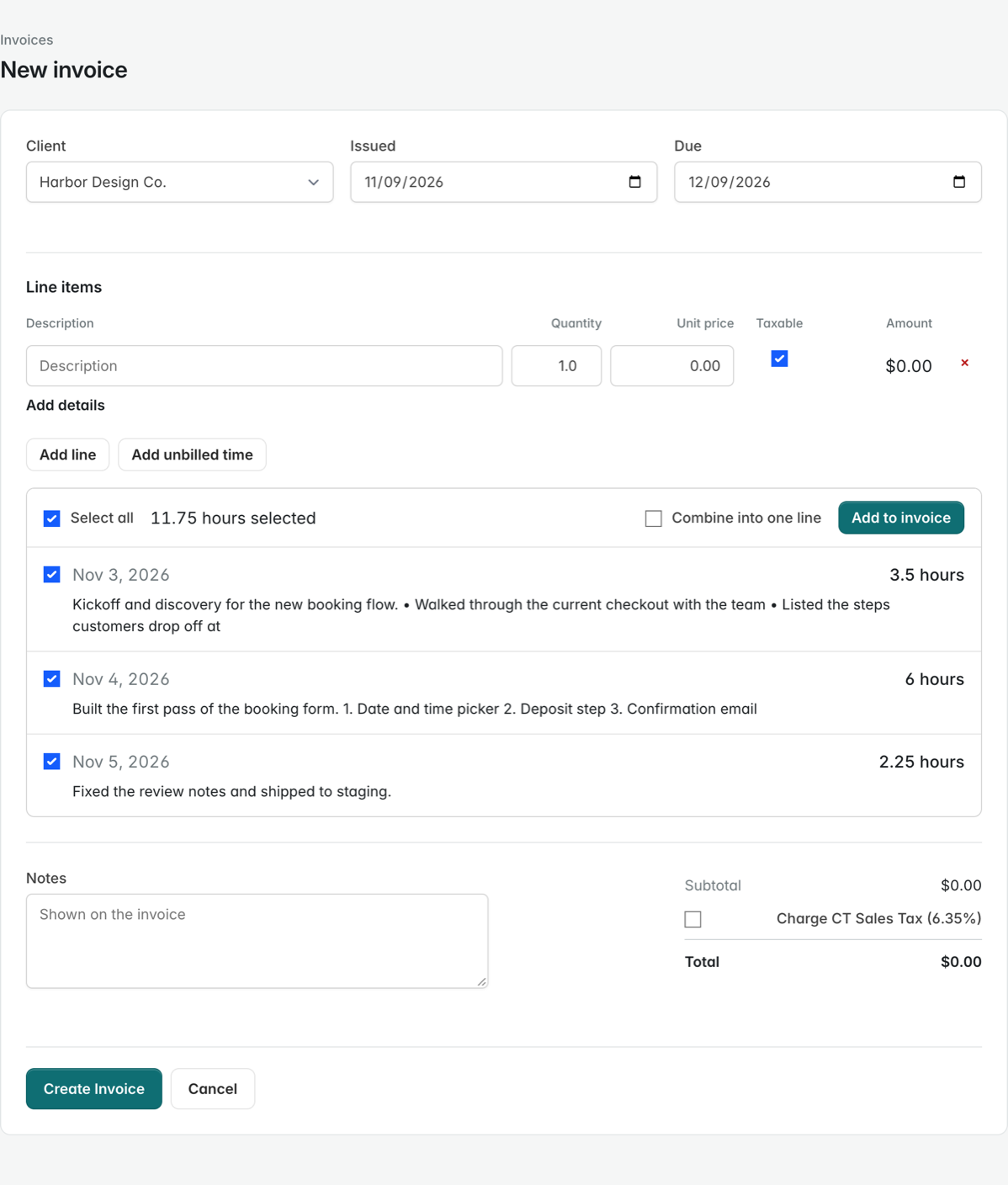
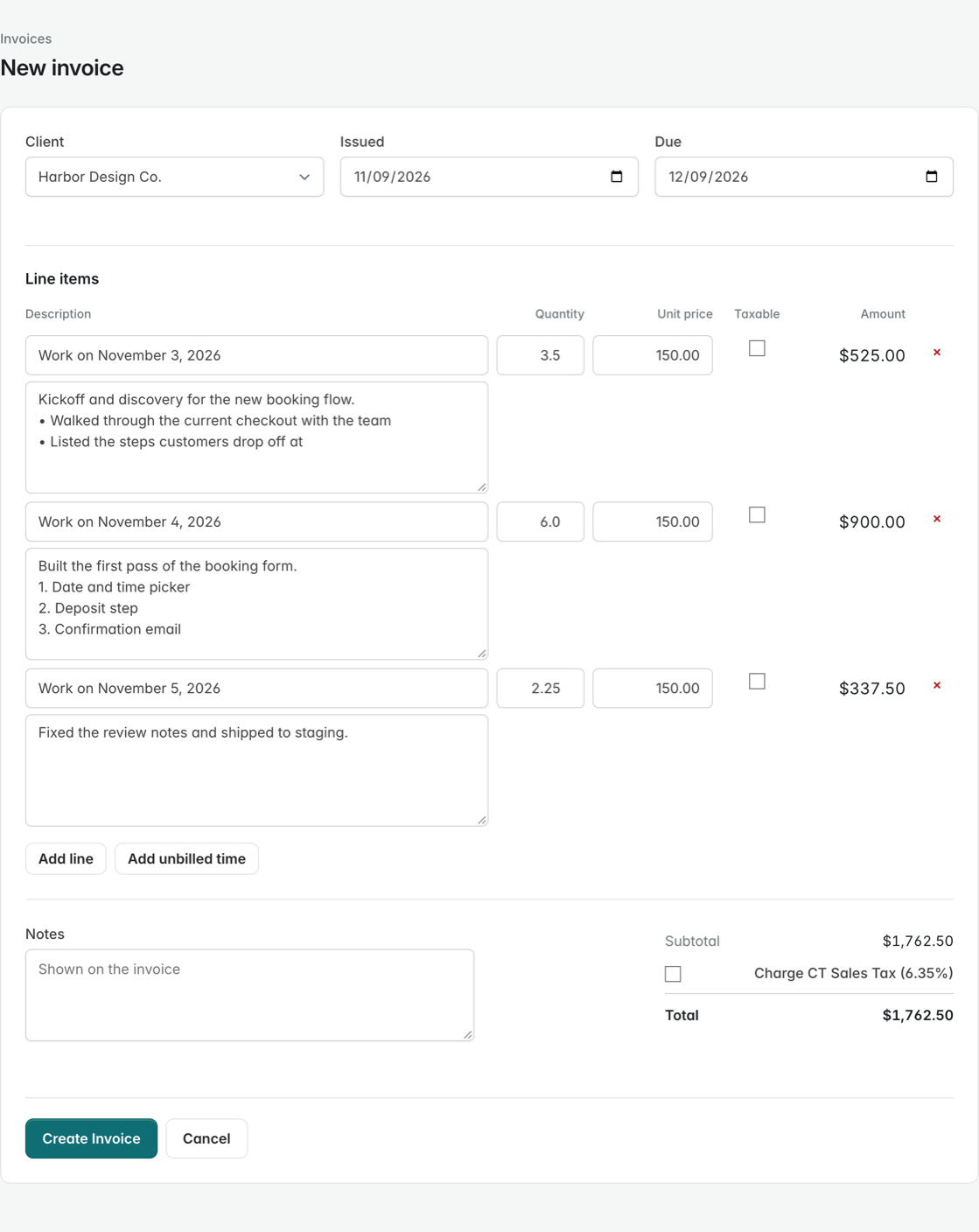
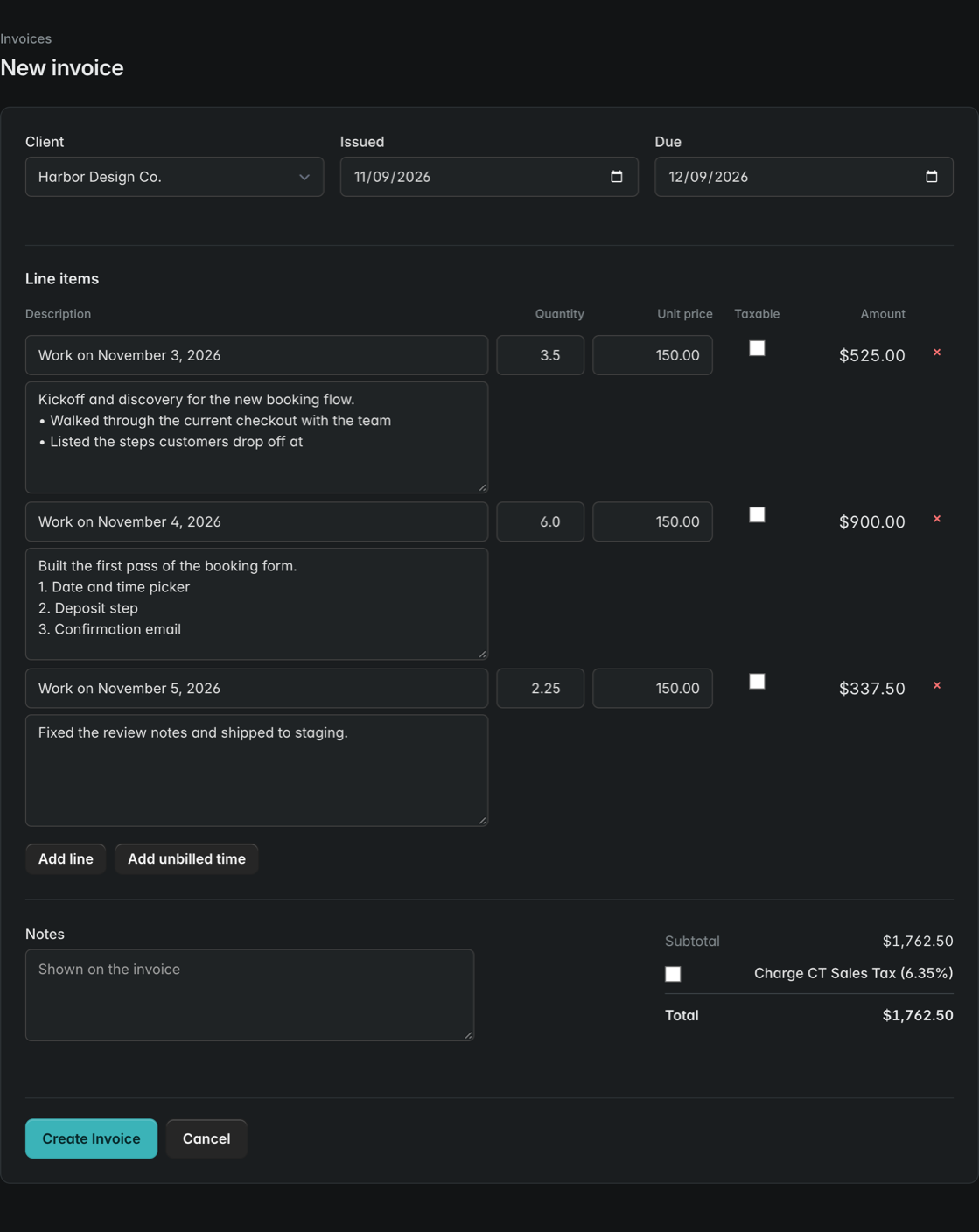
Start an invoice, press Add unbilled time and tick what you want to bill. Set one hourly rate for your business, or a different one for each client.
Your notes reach the client
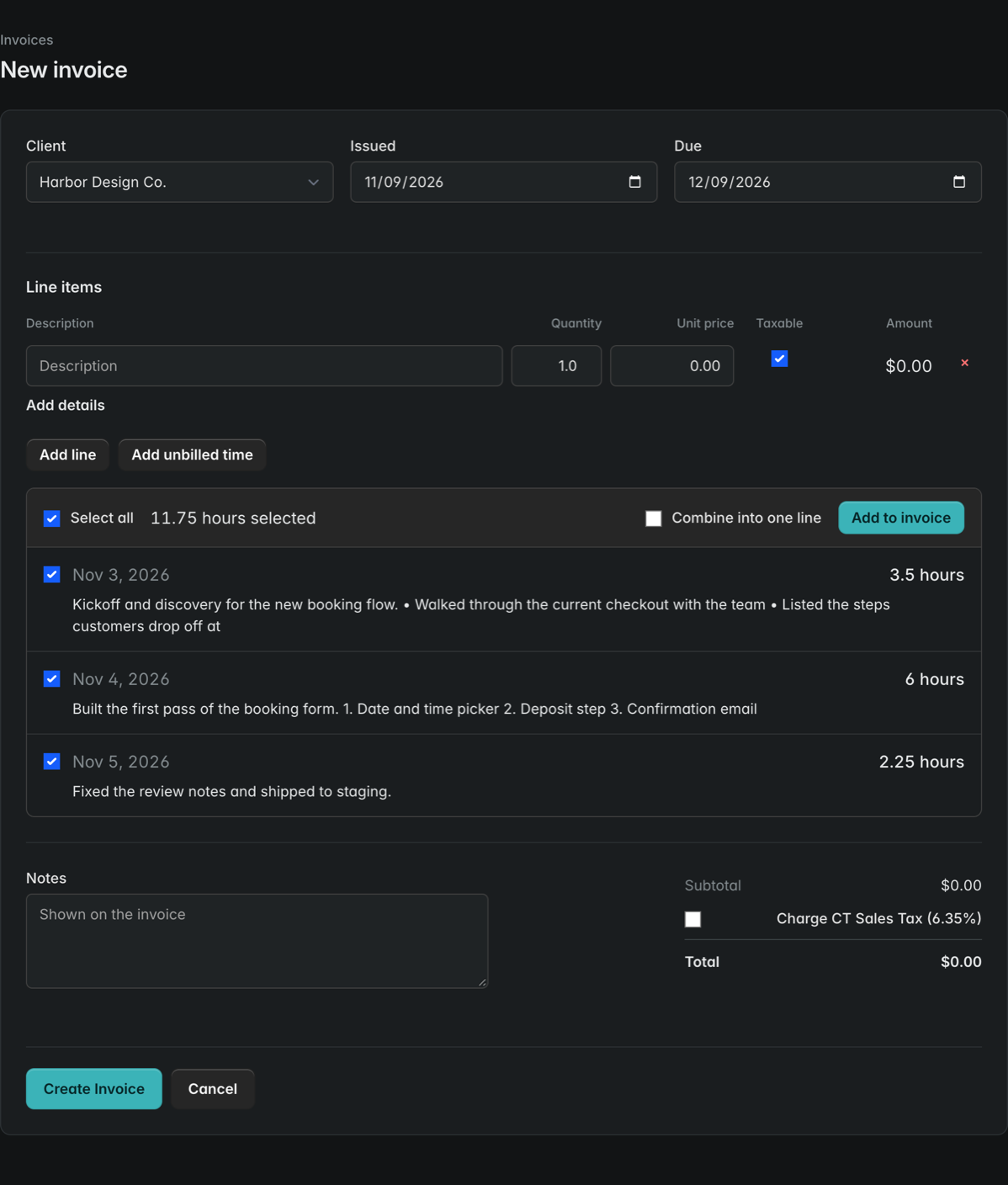
Each entry becomes a line with its hours, rate and description, and you can edit any of it before it goes out. Prefer one line for the whole stretch of work? Combine them. Time on an invoice is marked as billed, so it can't be billed twice.
What it leaves out, on purpose
Things you will never have to click past:
- No bank feeds
- No payroll
- No inventory
- No multi-currency
- No double-entry ledger
If your business needs those, NumoBooks is not for you, and we would rather say so here.
Switching from QuickBooks or FreshBooks
Already have history? Bring it with you, so you do not start from zero.
1. Export your data as CSV files
NumoBooks lists exactly which exports to pull from QuickBooks or FreshBooks and where to find each one.
2. Upload them all at once
Clients, invoices with their line items, payments and expenses come across. Invoices keep the numbers your clients already have.
3. Check the preview, then import
You see what will be created before anything is saved. Running an import again updates what is there instead of duplicating it.
What it costs
Nothing right now. NumoBooks is new and free to use while it finds its feet.
It will become a paid app. When it does, you will be told the price ahead of time, and you will not be charged unless you choose to keep using it.
Questions people ask
- How do my clients pay me? The way they do now: check, bank transfer, whatever you already accept. You record the payment when it arrives and the client gets a receipt. NumoBooks does not process cards.
- What do I give my accountant at tax time? A profit and loss, expenses by category, income by client, a sales tax report, and a CSV of every payment and expense for the year.
- Can I get my data out? Yes. Every payment and expense exports as a CSV for any date range, and every invoice is a PDF.
- Do I have to reconcile anything? No. Books are cash basis: income is money you received, expenses are money you spent. There is no bank feed to match against.
See how it fits
- NumoBooks vs QuickBooks What you give up, what you stop paying for, and who should stay put.
- NumoBooks vs FreshBooks Two simple tools for people who bill clients, with different limits.
- Bookkeeping for more than one business Separate books for each company under one login.
- Time tracking and invoicing for consultants Log your hours, bill them, and see what you made.
Who makes it
NumoBooks is built by The Still River Software Company, LLC. It started as our own replacement for QuickBooks and FreshBooks across two small companies that only ever used a fraction of what those tools charge for. More about NumoBooks.
Ready when you are.
Try it freeAlready have an account? Log in